
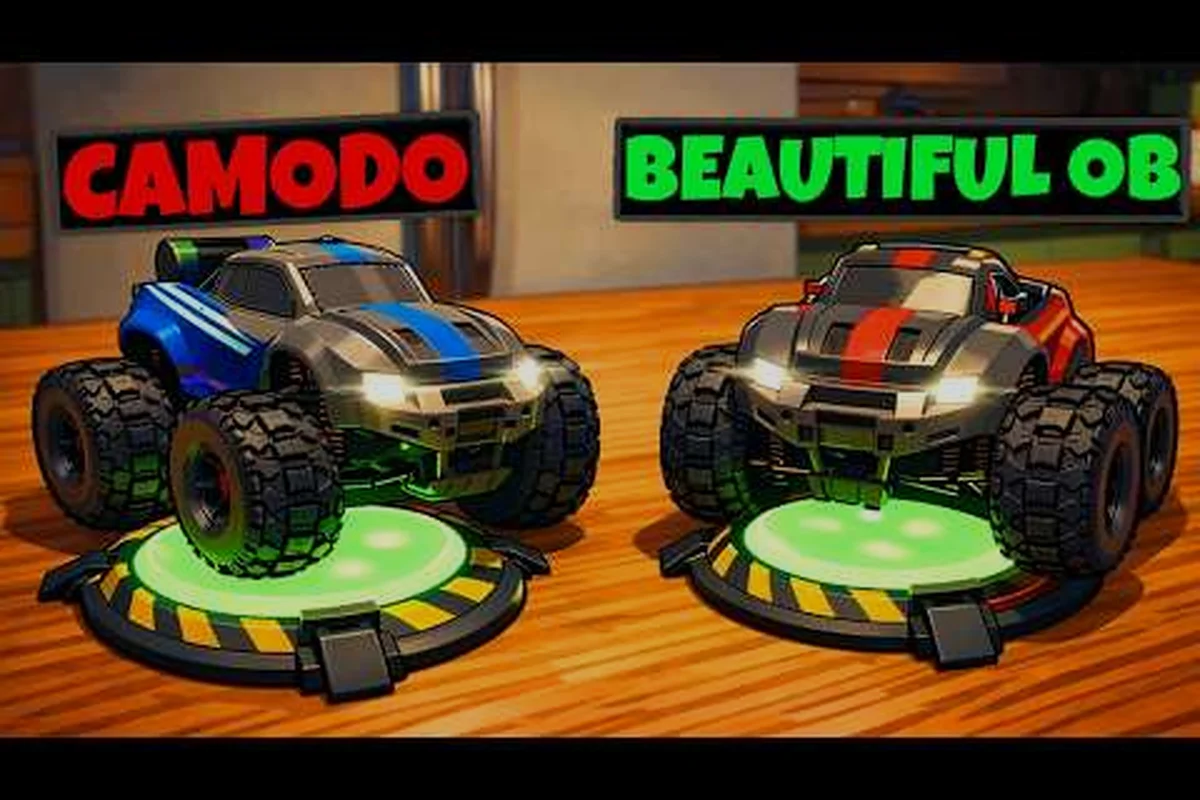
WheelMates is a two-player co-op driving adventure from Firevolt where you pilot two tiny RC cars through a professor's home laboratory, and one of the most common questions from players is whether wheelmates mixed input co-op actually works — whether you can drive on keyboard and mouse while your partner uses a controller, or whether a Steam Deck pairs with a desktop PC. That question matters because the entire game is built around synchronized teamwork, and the way you and your partner connect input changes how you approach every puzzle. This guide covers mixed input support in detail, answers whether WheelMates can be played solo, compares co-op versus single-player modes, and explains the Friend's Pass free access on Steam so you can pick the right setup before launch on September 1, 2026.
What Mixed Input Co-op Means in WheelMates
When players ask about mixed input co-op, they usually mean one of two things: one person using a keyboard and mouse while the other uses a gamepad, or two players on different hardware like a Steam Deck and a desktop PC. WheelMates supports both scenarios because the game is designed around local co-op and online co-op on Steam, and the input system treats each RC car as an independent entity rather than forcing both players to share the same control scheme. The WheelMates on Steam page confirms the game supports split-screen, online co-op, and Steam Deck, which means mixed input sessions are officially supported at launch.
The table below breaks down the input combinations that work when the game releases:
| Input Setup | Player 1 | Player 2 | Best For |
|---|---|---|---|
| Keyboard + Controller | Keyboard + Mouse | Gamepad | Mixed desktop sessions |
| Two Controllers | Gamepad A | Gamepad B | Split-screen on one PC |
| Steam Deck + PC | Steam Deck | PC + Gamepad | Online co-op sessions |
| Two Steam Decks | Deck A | Deck B | Portable play anywhere |
Keyboard and Mouse Combinations
The Rope Swing gadget, which lets you attach to anchor points and swing across gaps, feels slightly different depending on your input method. Keyboard players often rely on quick, precise taps for timing, while gamepad users get smoother analog steering for the Magnetic Wheels gadget that lets you drive on walls and ceilings. Both approaches work, but you will want to assign the player who prefers precision to the keyboard and the player who likes fluid control to the gamepad, especially during the more demanding timing puzzles that require repeated swings.
Steam Deck and PC Sessions
WheelMates is verified for Steam Deck, so you can pair a handheld with a desktop for a mixed session. The Deck player uses the built-in controls while the PC player can use any combination of keyboard, mouse, and gamepad. Because the game supports online co-op, the two devices do not need to be on the same network, which makes this the most flexible way to run a mixed input co-op session. Community members on the official WheelMates Discord report that this setup works well for long-distance sessions, although a stable internet connection is strongly recommended.
Can You Play WheelMates Solo? Single Player Support
Yes, WheelMates can be played solo, and this is one of the most frequently asked questions because the game is marketed as a co-op adventure. The short answer is that you control both RC cars and switch between them as the puzzle requires. The longer answer involves how the mechanics are tuned for a single player, which affects pacing and difficulty in ways that are worth understanding before you commit to a mode.
How Solo Play Works
In solo mode, you control both cars and switch between them whenever you need to use a different gadget. The Magnet Grab tool, which lets you pull and reposition objects, becomes your primary helper because you can position one car and then switch to the other to complete the action. The game does not add an AI partner, so you are responsible for both vehicles at every moment, which means you will spend more time planning your next step than you would in co-op.
How the Gadgets Work in Solo
| Gadget | Solo Behavior | Co-op Behavior |
|---|---|---|
| Rope Swing | Switch cars to swing | One player swings, the other advances |
| Magnetic Wheels | Drive walls alone | Split wall and floor duties |
| Magnet Grab | Pull and switch | One player pulls, one grabs |
The puzzles are designed around the same three gadgets, and most of them can be solved with a single player. The co-op puzzles that require two vehicles at once are either simplified or given alternative timing windows in solo mode. Community reports suggest that solo play is fully playable and lets you collect every SD Card and Journal Piece, but it adds roughly 20-30% more time to a full playthrough because of the constant switching. If you get stuck on a specific room, the WheelMates puzzle solutions guide breaks down every co-op and solo puzzle step by step.
WheelMates Co-op vs Single Player: Which Mode Fits You
Now that you know both modes exist, the real question is which one fits your situation. The biggest difference is pacing: co-op lets you split tasks between two players, while solo forces you to handle everything yourself. There are also differences in how you progress, how you collect items, and how you experience the difficulty curve, and those differences matter more than you might expect.
Progression and Unlocks
In co-op, both players share the same progression, and the Friend's Pass lets the partner join without owning the game. In solo, you progress through the same rooms and unlock the same gadgets, but you handle both cars yourself. The collectibles, including the hidden SD Cards and Journal Pieces, are identical in both modes, so you will not miss any content by playing alone. This makes solo a valid choice for completionists who want to see everything.
Difficulty and Pacing
The pacing difference is the biggest factor. In co-op, you can have one player focus on the Rope Swing while the other handles the Magnet Grab, which speeds up multi-step puzzles significantly. In solo, you have to switch between the two cars, adding a few seconds to each puzzle. Community testing suggests that solo play adds roughly 20-30% more time to a full playthrough, depending on how comfortable you are with the switching mechanic.
| Mode | Time to Complete | Difficulty | Collectibles |
|---|---|---|---|
| Solo | Longer | Moderate | All available |
| Co-op | Shorter | Moderate | All available |
Friend Pass Free Access: How to Team Up on Steam
The Friend's Pass is the most important feature for co-op players because it lets a friend join the full game for free. According to the official store page, the Friend's Pass lets a friend join the full game free, which means only one person needs to buy the game. This is a huge deal for wheelmates mixed input co-op, because you can invite a friend who does not own the game and play the entire adventure together without any extra cost.
How the Friend's Pass Works
The Friend's Pass works through Steam, and the process is straightforward. The host needs to own the game and launch a co-op session, then invite the friend through the Steam friend list. The friend downloads the free Friend's Pass version, which is a separate app on the store, and joins the host's session. Both players need to have the game installed, and the host needs to be running a co-op session for the invite to work.
| Step | Action | Who Does It |
|---|---|---|
| 1 | Buy WheelMates on Steam | Host |
| 2 | Download the Friend's Pass app | Friend |
| 3 | Invite via Steam friend list | Host |
| 4 | Join the host's session | Friend |
| 5 | Play the full game together | Both |
Friend's Pass and Mixed Input
The Friend's Pass works with mixed input co-op, so the host can use a keyboard and mouse while the friend uses a controller, or the host can be on a PC while the friend plays on a Steam Deck. Because the game supports online co-op and split-screen, the Friend's Pass covers both scenarios. This is the most cost-effective way to experience wheelmates mixed input co-op, because you only need one copy of the game for two players. For a deeper breakdown of the invite process and cross-device details, check our WheelMates Friend's Pass guide.
Mixed Input Co-op Setup and Troubleshooting
Setting up mixed input co-op is usually straightforward, but there are a few common issues players report. The first is that the game does not recognize a second controller, and the second is that the Steam Deck player cannot connect to the PC session. Here are the most common problems and the fixes, based on recent community reports from the Steam forum and the official Discord.
Common Mixed Input Issues
The first thing to check is that both input devices are connected before you launch the game. If the controller is not detected, restart the game and connect it again. For Steam Deck and PC sessions, make sure both devices are on the same network and that the Friend's Pass is properly installed. The game's online co-op requires a stable internet connection, so if you are having connection issues, check your network settings and firewall. If you are unsure whether your PC can handle the game, the WheelMates system requirements guide covers the recommended specs and Steam Deck performance.
| Issue | What to Check | Fix |
|---|---|---|
| Controller not detected | Input not connected | Reconnect and relaunch |
| Steam Deck can't connect | Friend's Pass not installed | Install the free version |
| Connection drops | Network latency | Use a wired connection |
| Input lag | High latency | Lower the latency or switch servers |
Tips for a Smooth Mixed Input Session
-
Assign the Rope Swing to the player who prefers precise timing, since it requires careful timing.
-
Use the Magnetic Wheels player for wall and ceiling traversal, because analog steering feels smoother.
-
Set the Magnet Grab to the player who handles positioning, since it requires both cars.
-
Talk about your next move before switching gadgets, since the Magnet Grab needs both players to coordinate.
You can see the co-op mechanics in action in the official WheelMates gameplay overview trailer, which shows the three gadgets and two-player puzzle solving in real time.
Frequently Asked Questions
Can you play WheelMates solo?
Yes, WheelMates supports solo play. You control both RC cars and switch between them as the puzzle requires. The game does not add an AI partner, so you handle all actions yourself. Solo play is a bit slower than co-op, but it is fully playable and lets you collect all the same items.
Does WheelMates have a single-player mode?
Yes, WheelMates has a single-player mode. You can play through the entire professor's home laboratory alone, using the same gadgets and puzzles. The mode is designed to be fully playable without a partner, and some co-op puzzles are simplified to accommodate solo players, so you will not get stuck on a two-player requirement.
What is the Friend's Pass and is it free?
The Friend's Pass is free. It lets a friend join the full game without buying it. The host needs to own the game, and the friend downloads the free Friend's Pass version on Steam. This is the most cost-effective way to play co-op with a friend.
Can WheelMates be played with mixed input co-op?
Yes, WheelMates supports mixed input co-op. You can use a keyboard and mouse, a controller, or a Steam Deck paired with a PC. The game treats each RC car independently, so you can mix and match input devices freely without any issues.