
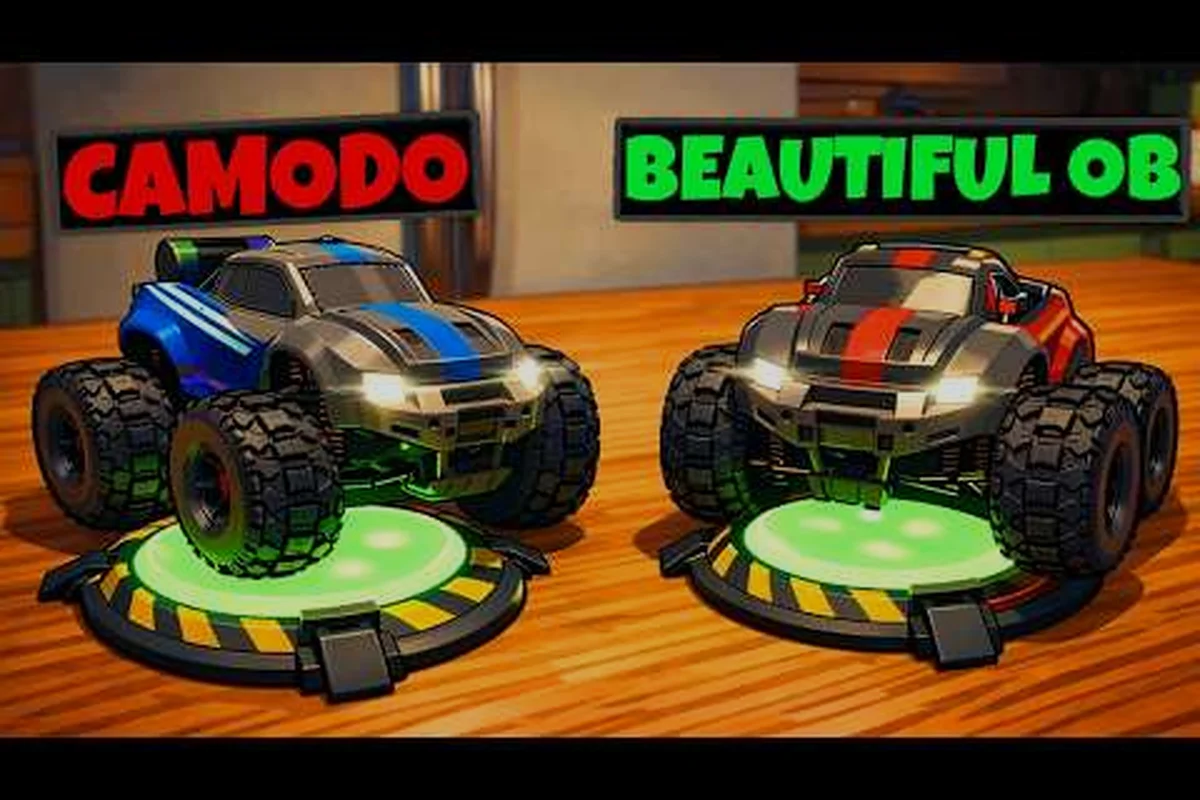
Wondering whether WheelMates is co-op required? The honest answer is that solo play is fully supported, but the two-player design shapes almost every puzzle, gadget, and room inside the professor's house. Because the demo was pulled on August 3, 2026 ahead of the September 1 launch, many players are still guessing about matchmaking, co-op sync, and whether a partner is mandatory for 100% completion. This guide breaks down solo support, how matchmaking works, what to expect from co-op lag and sync, and which co-op achievements unlock with a second driver. We'll also compare the family co-op experience against playing alone, so you can decide before launch whether to grab a friend's pass or go it solo. If you're new to the game, locking down these fundamentals early will save you plenty of frustration later.
Is WheelMates Co-op Required? The Short Answer
The short answer is that WheelMates is co-op required only if you want the smoothest, most complete experience — but the game does not force a second player. The developer describes the title as a two-player RC car co-op adventure on the official WheelMates website, yet that tagline reflects design intent rather than a hard requirement. You can drive both RC cars, solve every puzzle, and collect the SD cards on your own. The catch is that the puzzle logic is tuned for two cars working in tandem, so solo sessions demand more careful planning and often a slower pace.
| Aspect | Solo Play | Co-op Play |
|---|---|---|
| Puzzle pacing | Manual car switching | Simultaneous action |
| Camera coverage | Single follow view | Split roles on screen |
| SD card hunting | Doable but tedious | Easier with split roles |
| Story experience | Full narrative | Shared lore moments |
| Difficulty | Higher for most tasks | Lower for coordination |
What Solo Play Actually Supports
Solo players control one RC car at a time and can switch between the two vehicles whenever a puzzle demands it. The camera follow mode helps you track the active car, but you lose the simultaneous action that co-op provides. Community reports from the demo suggest solo is fully playable, though the co-op sync between two cars is where the game feel truly shines. If you are comfortable with methodical puzzle solving, solo works fine and still delivers the full story.
The Co-op Design Philosophy
The three core gadgets — the rope-swing gadget, magnetic wheels, and magnet grab gadget — are clearly built for two drivers. Many puzzles require one car to hold a switch while the other swings across a gap or pulls a magnetic object into place. That philosophy means the game is not strictly co-op required, but it is co-op optimized. Players who skip the second driver will replay several sections simply because they cannot perform two actions at once.
WheelMates Matchmaking: How to Find a Partner
If you decide co-op is the right route, the next question is how to actually find a player. WheelMates does not rely on a traditional online lobby with random matchmaking. Instead, it leans on local co-op, mixed input setups, and the Friend's Pass for remote sessions. According to IGN's demo impressions, the build featured same-keyboard co-op with two players sharing one keyboard, which gives a solid baseline for what to expect at launch.
Local Co-op on One Machine
The simplest path is local co-op: two players share one machine, with one on keyboard and the other on controller. This mixed input co-op setup is ideal for families and friends in the same room. Because both cars are on one screen, you avoid any network-related co-op lag entirely, and the camera can follow both vehicles without the host connection becoming a factor.
Remote Co-op and the Friend's Pass
For remote play, the Friend's Pass lets a second player join without owning the full game. The exact matchmaking flow is still being clarified ahead of launch, but community reports indicate Steam Remote Play is the likely host route. That means the host's connection quality directly affects the experience, so a stable wired network matters more than in a dedicated server setup. If you want to plan your milestones, the co-op achievements guide breaks down which unlocks are easier with a partner.
| Matchmaking Option | Best Setup | Network Needed |
|---|---|---|
| Local same-keyboard | Two players, one PC | None |
| Mixed input local | Keyboard + controller | None |
| Friend's Pass remote | Two players, two PCs | Stable host |
| Steam Remote Play | Remote sessions | Broadband host |
WheelMates Co-op Sync and Lag: What to Expect
One of the biggest concerns players raise is co-op sync and co-op lag during remote sessions. Because the game depends on the host's connection, the experience can vary widely. Community reports from the demo noted that camera handling was a sticking point, and IGN's impressions echoed that the camera could feel slightly off during fast movement. That said, the puzzle logic itself is deterministic, so lag usually shows up as visual stutter rather than broken physics.
Host and Sync Stability
The host's upload speed and overall connection determine how smoothly the guest car tracks. A weak host connection can make the second car appear to teleport or snap between positions. Players recommend keeping both cars close together on screen, because the camera then does not need to chase across distant rooms, which reduces the perceived input latency during puzzle sections.
Reducing Input Latency
To minimize lag, keep the two cars near each other during timed puzzles. The camera follow mode helps, but when one car swings across a wide gap, the camera transition adds a small delay. Using a wired connection for the host and closing background downloads are the two most reliable fixes, according to player testing.
| Co-op Sync Symptom | Likely Cause | Quick Fix |
|---|---|---|
| Guest car teleports | Low host upload | Wired host connection |
| Camera stutter | Fast car movement | Keep cars close |
| Input delay | High latency | Reduce background tasks |
| Puzzle desync | Network spike | Restart the session |
WheelMates Co-op Achievements and Family Play
The co-op achievements are a major draw for completionists. While the full achievement list is not public yet, the demo's 18 SD cards — with the 17/18 SD card being a hot topic on the Steam Community — show that collectible milestones will likely be part of the co-op experience. Many of these are far easier with two players because you can split driving and collecting roles across the two cars.
Co-op Milestones Worth Chasing
Making It a Family Co-op Game
WheelMates is genuinely family-friendly, and the family co-op angle is one of its strongest selling points. The two RC cars have distinct personalities, and the story unfolds through scannable objects and memory cards. For parents and kids, the family guide offers tips on easing non-gamers into the controls. The short puzzle loops and the lack of complex fail states make it an easy family co-op session.
Solo Play vs Co-op: Choosing Your Path
Now that you understand the mechanics, the real decision is which mode fits your playstyle. If you want fast 100% completion, co-op is the safer choice because two cars cover more ground and solve puzzles simultaneously. If you prefer a methodical, relaxed puzzle walk, solo play is perfectly viable. The beginner guide walks through the starting setup for both approaches.
| Goal | Solo | Co-op |
|---|---|---|
| Relaxed puzzle solving | Yes | Fast-paced |
| Quick 100% completion | Slower | Yes |
| Family story sessions | Possible | Ideal |
| Achievement hunting | Harder | Easier |
The bottom line is that WheelMates is co-op required only if you want the smoothest, most complete experience. Solo is supported and enjoyable, but the game's heart is the two-car partnership. For most players, grabbing a friend or family member is the best way to play. Which mode will you try first — solo or co-op? Share your plan in the comments below.
Frequently Asked Questions
Can I play WheelMates solo without a second player?
Yes, solo play is fully supported. You control both RC cars and switch between them as puzzles require. The game is not co-op required, but the pacing is slower because you cannot hold a switch and move simultaneously. Solo is a valid, more methodical way to experience the full story.
Does WheelMates have online matchmaking?
WheelMates does not use a traditional online lobby with random players. Instead, it relies on local co-op, mixed input setups, and the Friend's Pass for remote play through Steam Remote Play. You will need to coordinate with a friend rather than queue into a matchmaking pool.
How do I fix co-op lag in WheelMates?
Co-op lag usually comes from the host's connection. Use a wired connection for the host, close background downloads, and keep both cars close on screen to reduce camera movement. According to player reports, these steps resolve most stutter and desync issues during remote sessions.
Are there co-op achievements in WheelMates?
Yes, co-op achievements are expected, including collectible milestones tied to the demo's 18 SD cards. Some achievements are much easier with two players because you can split driving and collecting roles. The full list will be confirmed at launch, so check back after September 1.
Is WheelMates good for family co-op?
WheelMates is an excellent family co-op game. The controls are simple, the puzzles are short, and the story is approachable. The mixed input mode lets a parent use a controller while a child uses a keyboard, making it easy for younger players to join in.